Loading levels
|
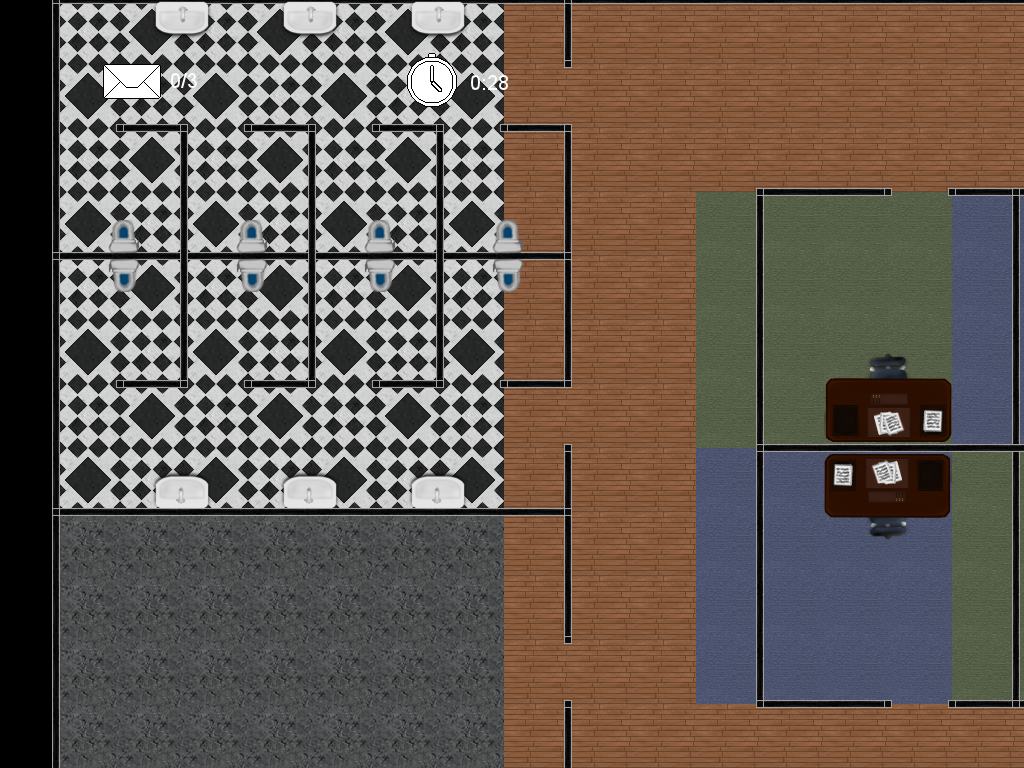
This week I have been working on several different things. I’ve implemented a state manager, texture manager and created the class game object and seen to it that all classes that should now inherit from it. I have moved code from engine to the game state and changed some of it to make better sense and one of these changes is what I’m going to explain into detail about today. In our game state we load the level from a text file. From the start there was only the tile map to load from the file but as we added more objects to the game our level file grew. Now it includes everything: tile map, player starting position, guards and their patterns, all props, evidence location and more. As we added more and more to the file we simply added more and more to our method that loads it, this made our method pretty big and clumsy.
The main problem with the method was that each object had to be listed after a specific other object. For example: The elevator position had to be directly after the player position, otherwise the program would load everything wrongly and the game would either crash or look really weird. Another problem with the method was that it couldn’t load anything but rectangular levels. So when I created the load method again I though I’d rewrite the whole thing and solve the existing problems.  The first and most important problem was fairly easy to solve. After the file was opened I created a while loop that continues until the file stream reads “End”. The first thing that happens in the while loop is it reads one word from the file, it then checks to see if it was a keyword like “Player:”. If it is a keyword a few lines specific to that keyword is run, for example if the keyword “Player” is found; it creates a sprite from a read texture and sets it to a read position. This way any object can be written anywhere in the file also we can write anything like explanatory text without the load method reading anything wrong. Well, that was it! Thanks for reading and stay awesome! |